Skip to content
Flows

Build software with AI. Verify that it actually works.

Connect a repository or describe what you want to build. Flows creates the plan, runs it through your preferred AI builder, and checks the result.

2 free generations each month · Free Oort account, no credit card

Or open a real plan first — no account needed

  • Repository grounded
  • Works with AI agents
  • GitHub verification

What are you trying to ship?

How Flows works

Ground the plan. Build with your tools. Verify the result.

Product walkthrough

Watch a plan reach its verification gate

Follow the public plan from grounding through the build handoff and the point where repository evidence is required.

0:42
Preview frame for the Flows build-to-proof walkthrough

Motion is reduced in your system settings. The video will only open when you choose it.

Play the 0:42 walkthrough

What the receipt means: This walkthrough shows the gate, not a verified outcome. Approval requires a connected repository and independently checked diff, tests, preview, and CI.

Read video transcript
  1. 0:00
    Ground the plan

    Start from a project goal or connected repository and review the bounded implementation steps.

  2. 0:13
    Choose where to build

    Keep the plan visible while handing the work to the connected builder or coding agent you prefer.

  3. 0:29
    Reach the verification gate

    See where a connected project must supply its diff, test output, preview, and CI state.

  4. 0:38
    Keep the result unverified

    The public plan has no bound repository, so it stops at the gate instead of turning a manual claim into proof.

  1. 1

    Ground the plan

    Connect your repository or describe a new project.

  2. 2

    Build through your preferred AI

    Use Replit, coding agents, GitHub, or guided instructions.

  3. 3

    Verify the result

    Check the diff, tests, preview, and CI before calling it done.

Full product lifecycle

Intent → Project → Plan → Build → Verify → Recover → Approve → Ship

Example

One real execution path

Goal
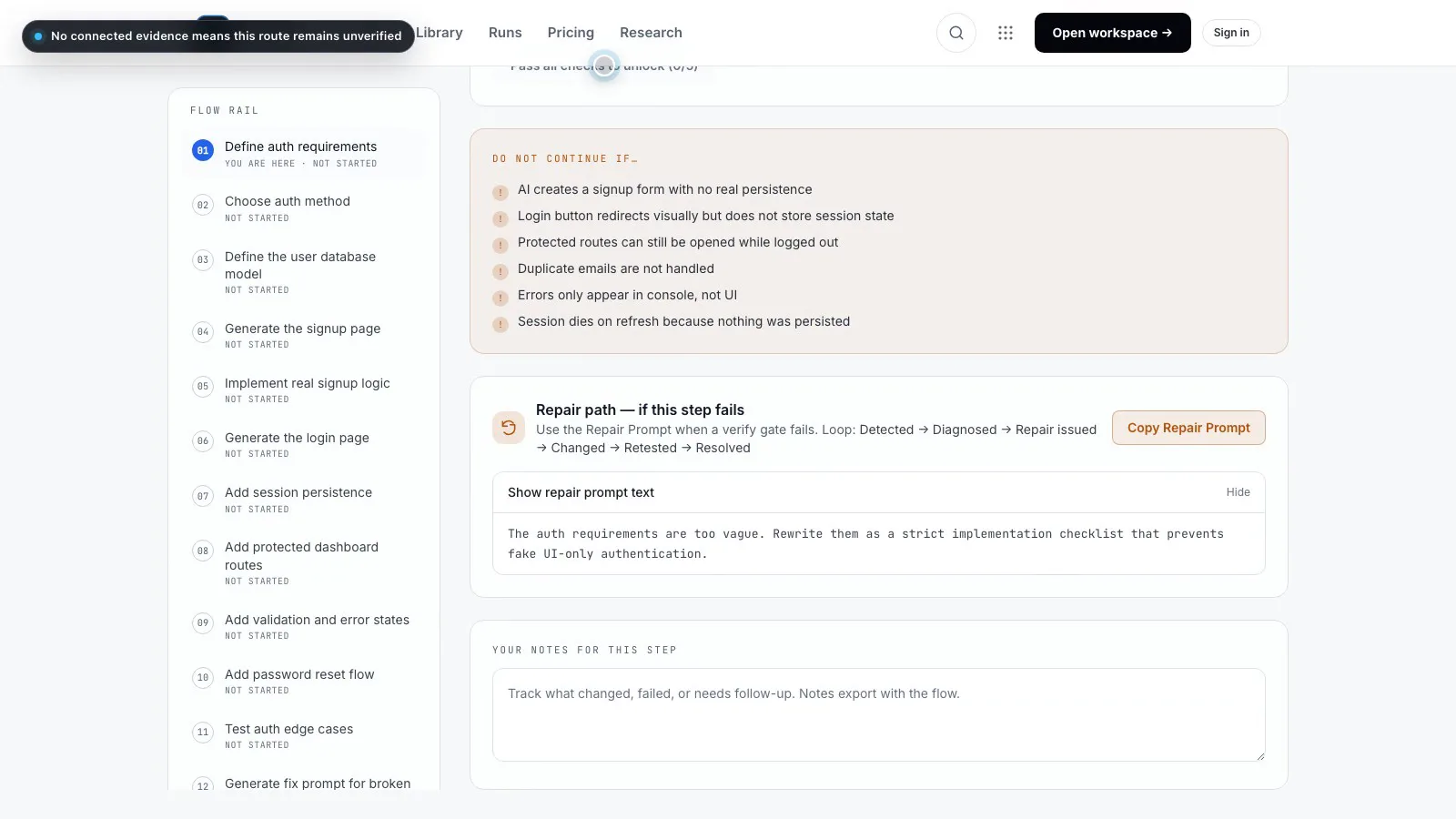
Add working signup and authentication
Flows created
13 bounded implementation steps
Checked
User creation · Duplicate-email handling · Session persistence · Protected routes · Redirect behavior
See the complete example →

An AI saying “done” is not verification.

How verification works →

One complete plan produced a working 11-step application and passed 59 plan-defined checks.

Partially validated — The plan and checks came from the same workflow, so this is not independent certification.

Read the full case study →

Connected execution

Build where you already work

Coding agents

Codex · Claude Code · Grok Build · Kimi

In testing / Planned

Hosted builders

Replit · Emergent · Base44

Available / Setup required

Verification

GitHub

Available

Pricing

Start free. Pay for executable builds.

You are charged for successful executable flows — not failed drafts or inspections.

Free

  • 2 generations monthly
  • Manual execution
  • Plan library
  • Basic saved history
Start free

Pro

  • More generations
  • Connected execution
  • Repository grounding
  • GitHub verification
  • Persistent projects
Upgrade

Team

  • Shared projects
  • Approvals
  • Team evidence
  • Organization controls
  • Higher usage
View pricing

Exact prices and plan limits are on thepricing page.

Recommended plans

Start with a proven plan

Browse all 141 plans →

Build a real app

For builders shipping an app end to end — every feature verified, nothing faked.

Start plan →

Fix a broken AI build

For apps that look finished but are fake underneath — convert visuals into real logic.

Start plan →

Launch and promote

For builds that are done and need users — copy, press, launch, and outreach in order.

Start plan →
App BuilderFlows CuratedIntermediate

Working Signup/Auth System

Build a real signup, login, session, and protected route flow - not a form that only looks functional.

  1. 01Define auth requirements
  2. 02Choose auth method
  3. 03Define the user database model
  4. ··+10 more steps to Done
13 steps45-90 minutesOpen plan
App BuilderFlows CuratedAdvanced

SaaS MVP Builder

Go from idea to a working SaaS MVP: auth, core feature, billing readiness, and a landing page that converts.

  1. 01Define the MVP in one sentence
  2. 02Build the landing page
  3. 03Add working auth
  4. ··+3 more steps to Done
6 steps2-4 hoursOpen plan
141 build plans · 2557 verification checks · research-backed prompts

Research

Built from public research on coding agents, verification, memory, MCP, and agent security.

Explore the research vault